Safe Creative Space
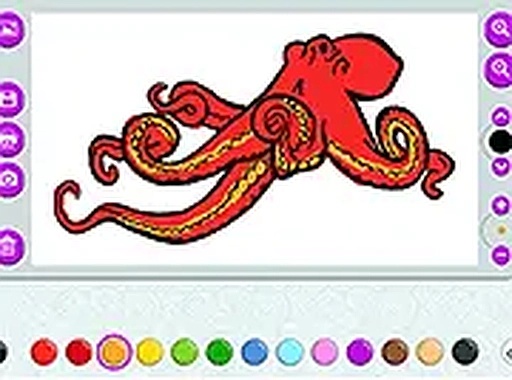
Imagination Canvas provides a controlled environment where young artists can explore their creativity without encountering any unsuitable material. Parents can feel confident letting children use this platform independently, as all content is curated for family-friendly enjoyment. The interface is straightforward, making it simple for even the youngest users to navigate and start creating.
Tools and Options
A broad selection of colors and brush types allows for detailed artwork. Children can experiment with different stroke widths and opacity levels to achieve various effects. The palette includes both bright and subtle shades, encouraging exploration of color theory in a playful manner. These tools are designed to be responsive on both touchscreens and traditional mouse setups.
Personalized Projects
One standout feature is the ability to upload personal photographs or images. This turns any family photo or favorite picture into a custom coloring page, adding a personal touch to the creative process. It also allows children to practice coloring within the lines of real-world objects, blending digital art with personal memories.
Comfort and Accessibility
For extended sessions, a night mode option reduces screen brightness, helping to minimize eye strain during evening use. The entire experience runs directly in a web browser, requiring no software downloads or installations. This makes it accessible on various devices, including tablets, smartphones, and computers, so creativity can happen anywhere.
Saving and Sharing
Finished artwork can be saved directly to a device or printed from the browser. This allows children to keep a digital portfolio of their work or display physical copies at home. The printing function is straightforward, making it easy to share creations with family and friends without extra steps.







Player Comments
0 comments