Reviews
Parkour Block 3 delivers a clean parkour experience with a satisfying difficulty curve. The pixel graphics are appealing, and the controls respond well. Each stage requires careful timing, and the lava hazards add tension without feeling unfair. The game is easy to pick up and offers good replay value as you try to complete all stages. It is a great choice for fans of block-based platformers.
Description
Game Introduction
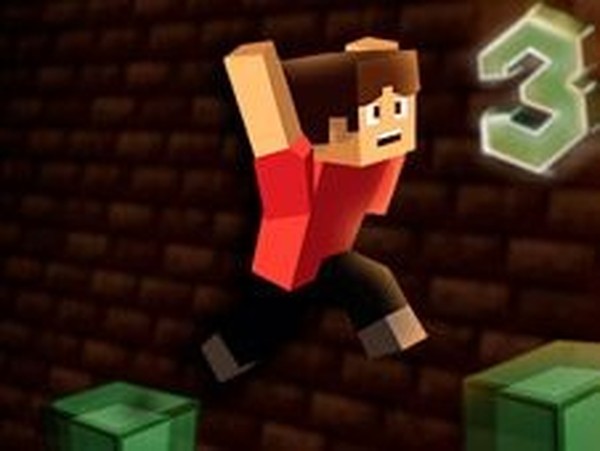
Parkour Block 3 is an online parkour game set in a Minecraft-inspired pixel world. You take control of Steve from a first-person perspective, navigating through a series of block-based courses. The goal is to jump from one block to another, reaching the end of each room to advance. Courses become more difficult as you progress, and a single misstep can send you into the lava below, forcing a restart. This game offers a family-friendly experience for players of all ages, combining simple controls with increasing challenge.
How to Play
To play Parkour Block 3, use the W, A, S, D keys to move Steve around the blocks. Press the spacebar to jump. Your objective is to carefully navigate from block to block, avoiding falls into the lava. Each room ends with a transport point that takes you to the next stage, where the course becomes more challenging. Plan your jumps carefully, as one mistake can lead to a restart. The game is easy to learn but hard to master, making it suitable for both quick sessions and longer play.
Game Features
Game features include Minecraft-style pixel graphics, first-person parkour action, increasingly difficult stages, lava hazards, and free online play. The controls are straightforward, and the difficulty ramps up steadily, keeping the experience engaging without being frustrating.
Tips for Success
To succeed in Parkour Block 3, practice timing your jumps carefully, especially on narrow blocks. Look ahead to plan your route before moving. Take your time on each stage—rushing often leads to mistakes. If you fall, learn from the misstep and adjust your approach. Regular practice will help you master the controls and progress through the increasingly difficult courses.
🛠️ Compatibility
• OS: Windows 10+, macOS 11+, iOS 14+, Android 10+ • Browsers: Chrome 100+, Safari 15+, Edge 100+, Firefox 100+ • Not compatible with Internet Explorer Tested on real devices – works as expected